Ride with GPS: Professional Cycling Navigation & Route Planning App
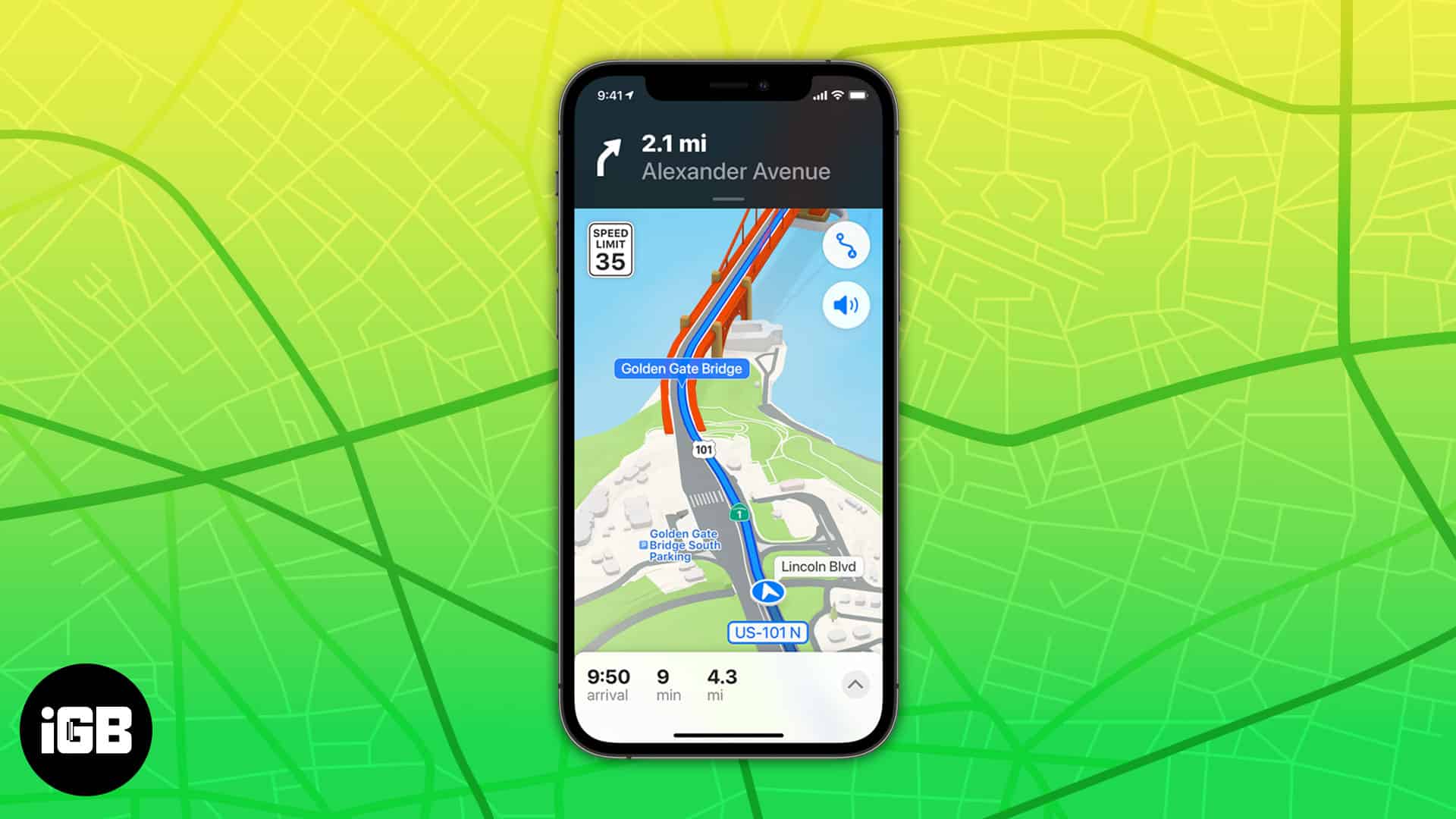
Ride with GPS is a dedicated cycling app designed for riders worldwide, focusing on precise navigation, customizable route planning, and comprehensive ride data tracking. Whether exploring urban roads or remote trails, Ride with GPS delivers reliable tools that solve common pain points like poor route accuracy, lack of offline access, and fragmented data sharing.Custom Cycling Route Planning with Surface & Elevation Insights
To use this feature, riders open Ride with GPS and input start/end points or select saved locations. They filter preferences (paved/unpaved surfaces, distance, difficulty) and let Ride with GPS generate optimized routes with detailed elevation profiles and slope data. Users can drag to adjust paths, add waypoints, and preview surface breakdowns (e.g., 62% paved/38% gravel). The result is a tailored route aligned with skill levels, ready for immediate navigation or saving for later rides.Offline Map Download for Uninterrupted Remote Navigation
Riders prepare for offline use by accessing Ride with GPS’s map library and selecting regions to download. They choose map resolution based on storage space, initiate the download while connected to Wi-Fi, and confirm completion. Once saved, Ride with GPS allows full navigation—including turn-by-turn prompts and location tracking—without cellular service, critical for rural or mountainous rides where network coverage is spotty. Data from offline rides syncs automatically when reconnected.Real-Time Ride Tracking & Comprehensive Performance Metrics
When starting a ride, users tap “Record” in Ride with GPS to activate real-time tracking. The app captures key metrics: distance, speed, time elapsed, elevation gain/loss, and calories burned. Riders monitor progress via the in-app dashboard, with data updating continuously. Post-ride, Ride with GPS compiles a detailed summary, allowing users to review performance, identify strengths/areas for improvement, and compare with past rides to track fitness progression.GPX File Import/Export for Cross-Platform Route Sharing
For route sharing or importing, users navigate to Ride with GPS’s “Routes” tab and select “Import GPX” to upload files from other platforms (e.g., Strava). To export, they open a saved route, choose “Export GPX,” and share via email or direct link. This workflow lets riders access community-created routes or share their own, ensuring Ride with GPS integrates seamlessly with global cycling ecosystems and personal ride libraries.AR-Enhanced Turn-by-Turn Navigation for Complex Routes
Riders activate AR navigation in Ride with GPS by enabling the camera overlay during route selection. As they ride, Ride with GPS projects virtual 3D arrows onto real-world scenery, highlighting upcoming turns, lane positions, and distance to waypoints. This feature eliminates confusion at complex intersections, reducing missed turns and enhancing safety—especially valuable for unfamiliar routes or high-traffic areas where glancing at a screen is risky.Third-Party Device & App Integration (Strava, Bryton)
To integrate, users link their Ride with GPS account to compatible platforms (Strava, Bryton Active) via the app’s “Connections” settings. They authorize data sharing, select which metrics to sync (routes, ride data), and confirm. Ride with GPS then automatically syncs routes to devices like Bryton Rider 420 code table and shares ride summaries to Strava, ensuring riders can use their preferred hardware and social platforms without manual data transfer.Key Features
- Custom route planning with surface, elevation, and slope insights- Offline map downloads for network-free navigation
- Real-time tracking of distance, speed, and elevation metrics
- GPX import/export for cross-platform route sharing
- AR-enhanced turn-by-turn navigation for complex routes
- Seamless integration with Strava, Bryton, and cycling devices